
 Photos:2
2,750 ₾$1,060
≈ $1,060≈ 2,750 ₾
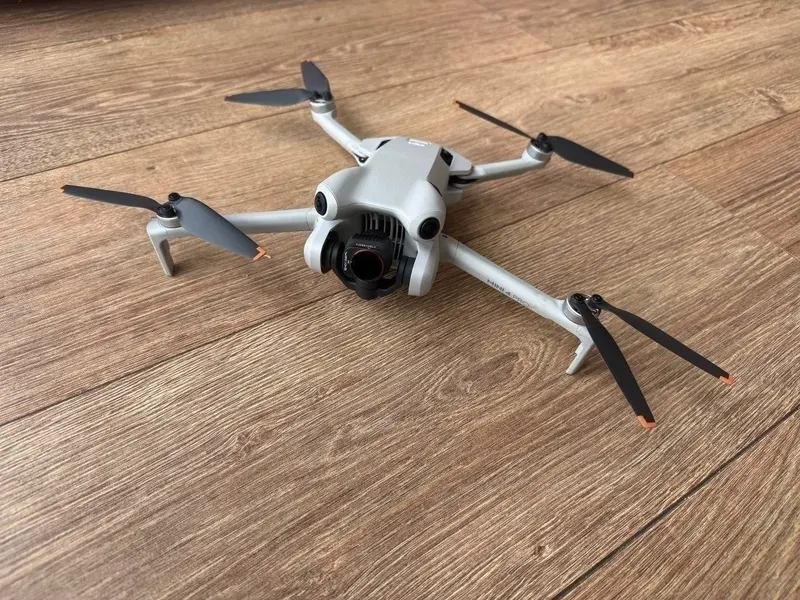
DJI Mini 4 Pro Fly More Combo Plus + RC 2, 3 PLUS batteries + RC 2 with screen
Isani, Tbilisi ·
Phone verifiedSeller ships
Buying and sellingFor anyone buying a second-hand Android phone or selling their own
The main trap with a used Android phone is factory reset protection: if the seller hasn't removed their Google account, the phone will ask for it after a reset. Before you pay, ask the seller to remove the account and reset the phone in front of you, then check the screen, network and charging.
“Is the phone still available? Which exact model and storage? Any repairs? Can I test the network and charging, and can you remove your Google account and reset the phone in front of me before I pay?”
Model and storage are in Settings → About phone. Dial *#06#: the IMEI on screen should match Settings and the box, if there is one.
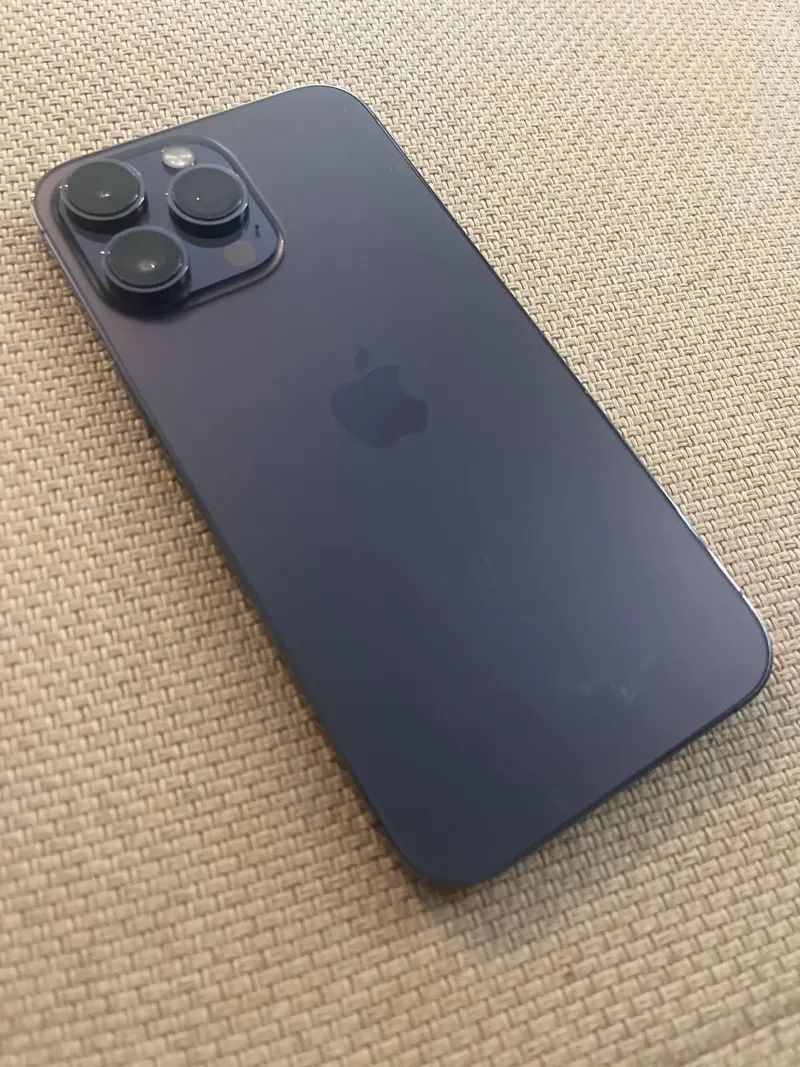
Take off the case and look at the screen, frame, cameras and port. Test touch across the whole screen, fingerprint or face unlock, the cameras, a call and a voice recording, the buttons, charging, Wi-Fi and your own SIM or eSIM.
Some models show battery health or a charge-cycle count in Settings — under Battery or About phone; on Samsung, the Samsung Members app runs a diagnostic (Normal, Weak or Bad). If there's nothing like that, notice whether the phone heats up and how fast it drains during the meeting.
The seller removes their Google account (Settings → Passwords & accounts or Accounts) and the manufacturer account if there is one (on Samsung: Accounts and backup → Manage accounts), then does a factory reset. After the reset, the phone should show the first setup screen and not ask for someone else's account.
Back up your data, remove your Google and manufacturer accounts, then reset the phone. In the listing, give the model, storage, known repairs and what's included.
Photos:22,750 ₾$1,060
≈ $1,060≈ 2,750 ₾
Isani, Tbilisi ·
Phone verifiedSeller ships
 Photos:2
 Photos:4
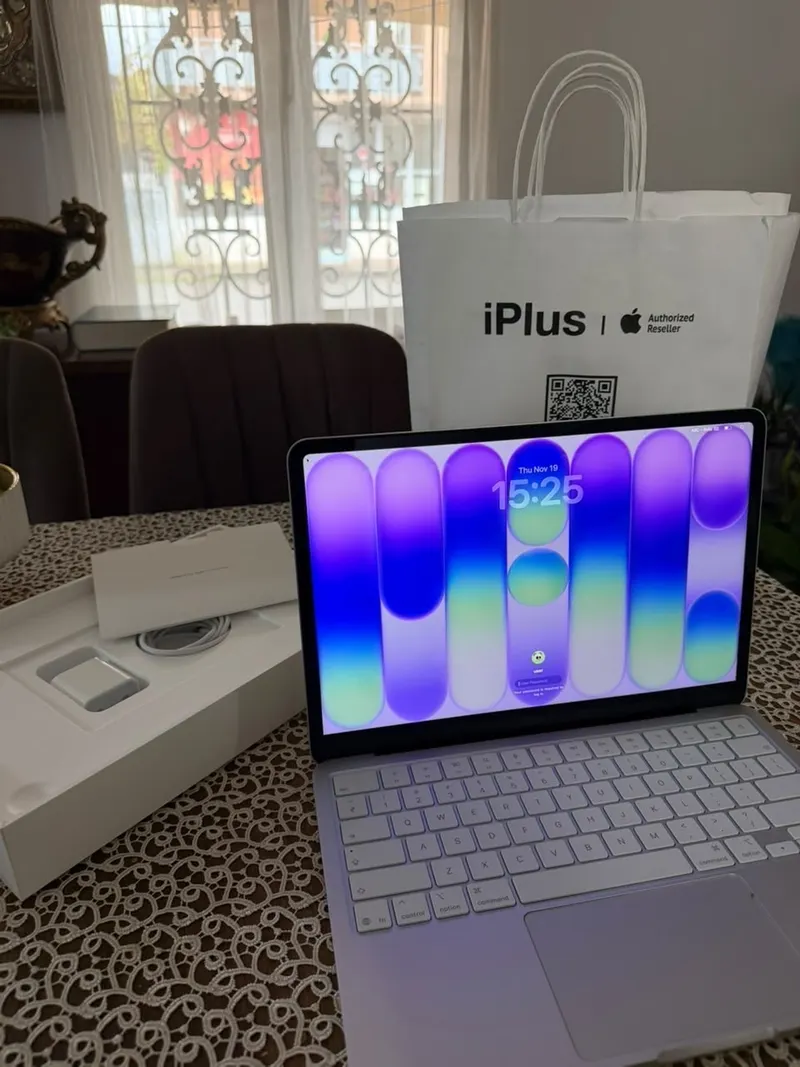
1,900 ₾$735
≈ $735≈ 1,900 ₾
Old Batumi, Batumi ·
Phone verifiedNew
 Photos:7
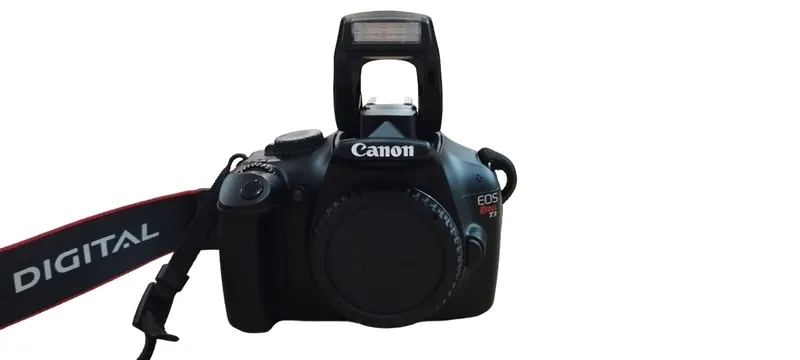
400 ₾$155
≈ $155≈ 400 ₾
Saburtalo, Tbilisi ·
Phone verifiedSeller ships
 Photos:7
650 ₾$250
≈ $250≈ 650 ₾
Saburtalo, Tbilisi ·
Phone verifiedSeller ships
Android looks different on every brand: Accounts may be called Passwords & accounts or Users & accounts, and battery settings may sit under Battery or Device care. If you can't find an item, use the search in Settings.
A phone that switches on works for the seller. After a reset, Android's protection asks for the Google account that was on the phone. Google says that to turn the protection off you remove the Google account from the device; Samsung advises removing the Google and Samsung accounts before resetting.
Switch it on in front of them and go through the first setup steps. If it asks for an account that was on it before, you won't be able to set it up without the seller — don't buy it.
No. A listing is the seller's description. Check the phone yourself in person, and if in doubt, at a repair shop before paying.