
 Photos:2
2,750 ₾$1,060
≈ $1,060≈ 2,750 ₾
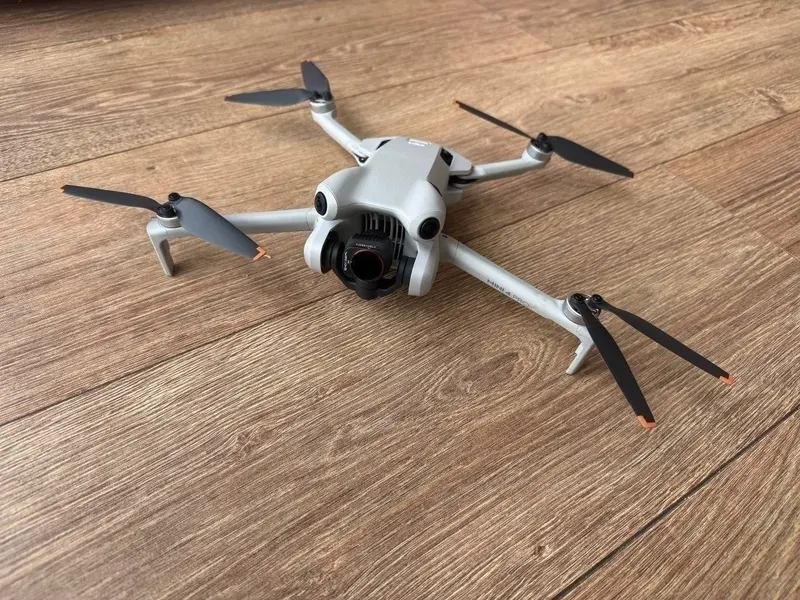
DJI Mini 4 Pro Fly More Combo Plus + RC 2, 3 PLUS batteries + RC 2 with screen
Isani, Tbilisi ·
Phone verifiedSeller ships
Buying and sellingFor anyone buying a second-hand laptop or selling their own
With a used laptop, check three things: that the specs match the listing, that what you need works, and that it isn't tied to someone else's account or a company. The model sticker on the case doesn't tell you the processor, memory or storage inside.
Documents, video calls, editing and gaming need different specs. List the programs you'll run and check their requirements on the developers' websites.
“What's the exact configuration, battery condition, and any known faults or repairs? Can I test the screen, keyboard, ports and battery? Is it linked to a company or someone else's account? What's included?”
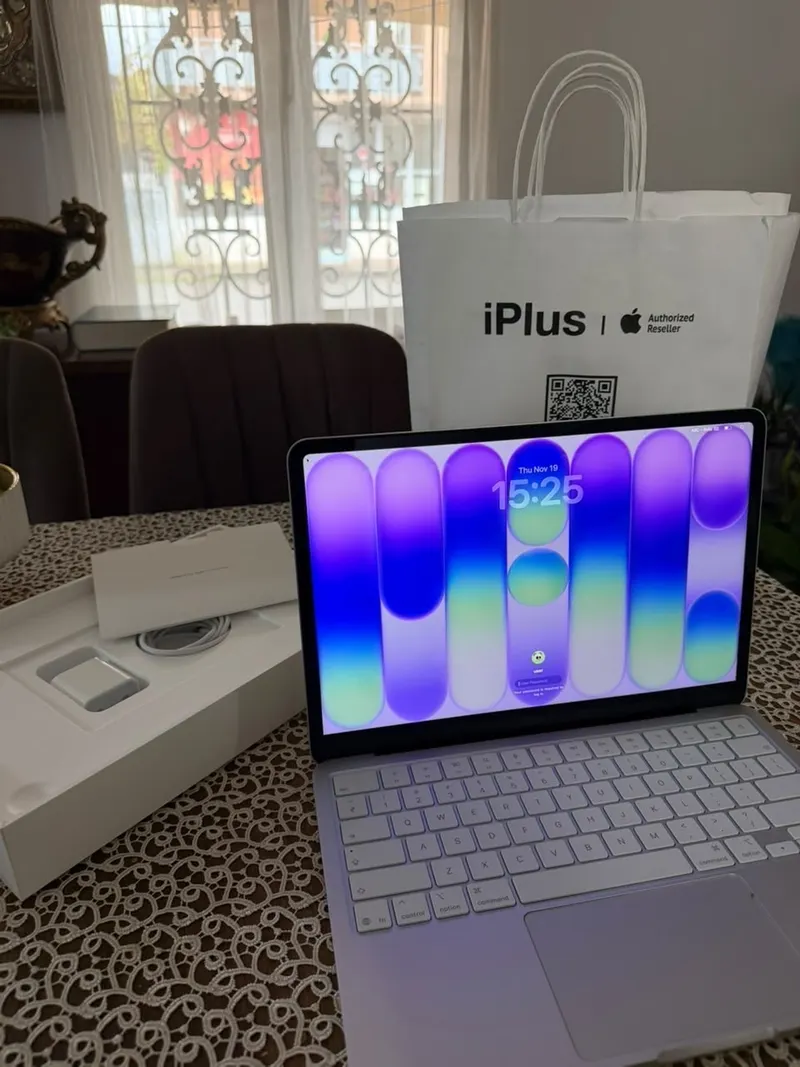
Ask the seller to open the system information: on Windows, Settings → System → About; on a Mac, Apple menu → About This Mac. Compare the processor, memory and storage with the listing, and check the charger fits.
Look at the screen on white and black, press every key, try the touchpad, camera, microphone, Wi-Fi, USB and video output. Don't install unfamiliar “testing tools” and don't sign in to your bank or work accounts.
On Windows, open Command Prompt as administrator and run powercfg /batteryreport: in the report, compare Design capacity with Full charge capacity. On a Mac, it's under System Settings → Battery. A swollen case or battery is a reason to walk away and stop testing.
Mac: the seller turns off Find My, signs out of their Apple Account and erases the Mac in front of you, or Activation Lock stays on. If a Remote Management screen appears during setup, the Mac belongs to an organisation. Windows: Settings → Accounts → Access work or school should not show someone else's organisation.
Back up your data, sign out of your accounts and erase the laptop following the manufacturer's instructions. In the listing, give the exact configuration, battery condition, defects and what's included.
Photos:22,750 ₾$1,060
≈ $1,060≈ 2,750 ₾
Isani, Tbilisi ·
Phone verifiedSeller ships
 Photos:2
 Photos:4
1,900 ₾$735
≈ $735≈ 1,900 ₾
Old Batumi, Batumi ·
Phone verifiedNew
 Photos:7
400 ₾$155
≈ $155≈ 400 ₾
Saburtalo, Tbilisi ·
Phone verifiedSeller ships
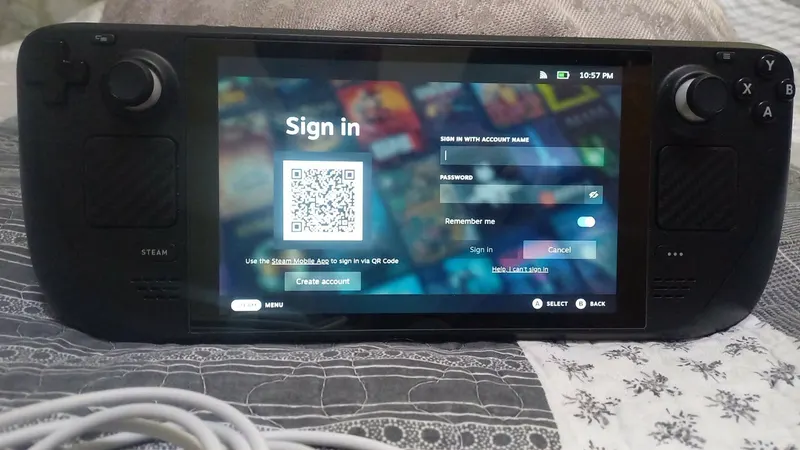
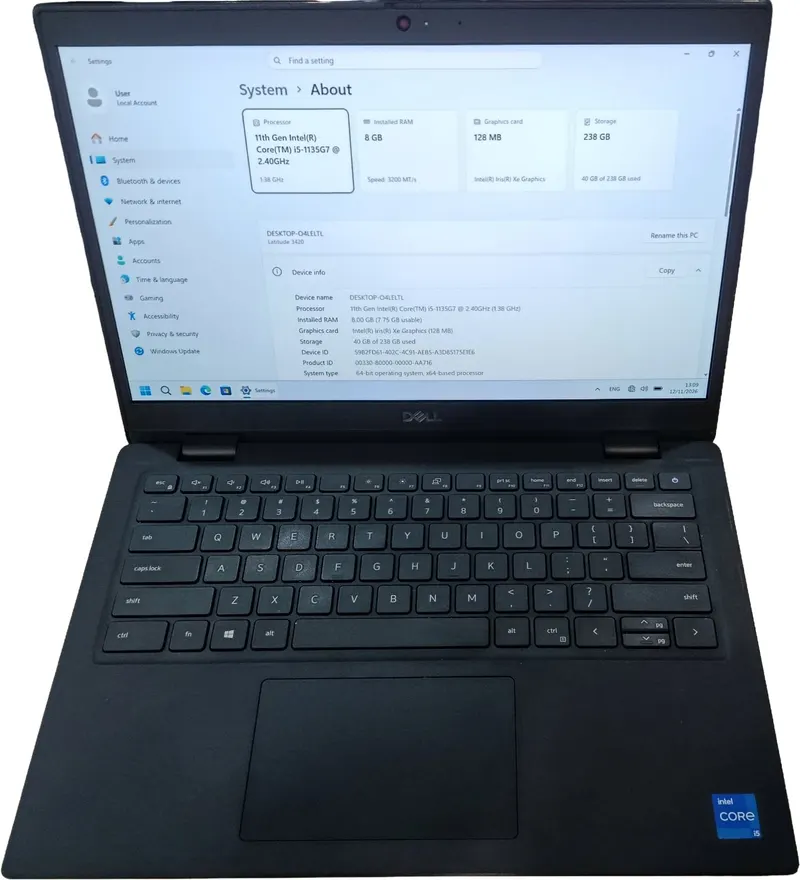 Photos:7
650 ₾$250
≈ $250≈ 650 ₾
Saburtalo, Tbilisi ·
Phone verifiedSeller ships
No. Booting up doesn't show the battery condition or whether every port and the programs you need work. Test specific features and discuss whatever you couldn't check.
No. A password promised “later” or someone else's work account is a reason to hold off: without them you may not be able to set the laptop up.
No. A listing is the seller's description, not an inspection. If the price is high, agree with the seller to have it checked at a repair shop before paying.