
 Photos:2
2,750 ₾$1,060
≈ $1,060≈ 2,750 ₾
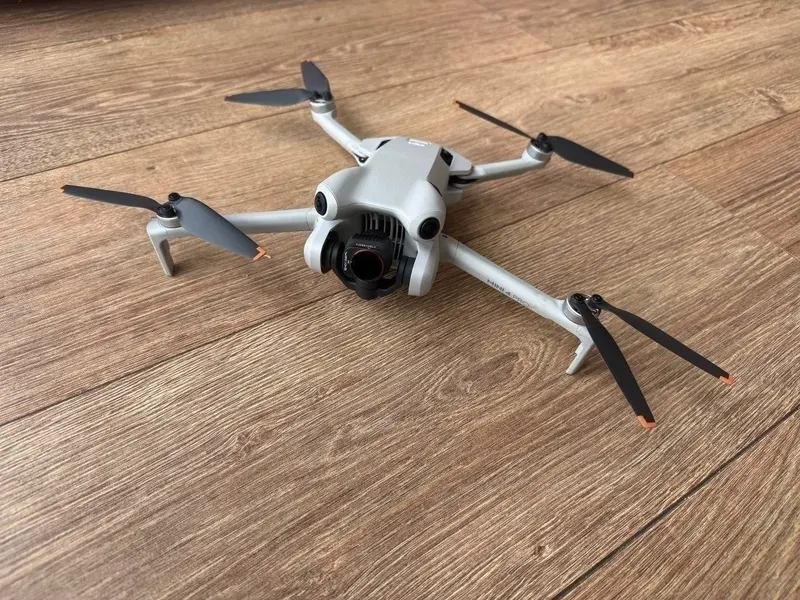
DJI Mini 4 Pro Fly More Combo Plus + RC 2, 3 PLUS batteries + RC 2 with screen
Isani, Tbilisi ·
Phone verifiedSeller ships
Buying and sellingFor anyone buying a second-hand iPhone or selling their own
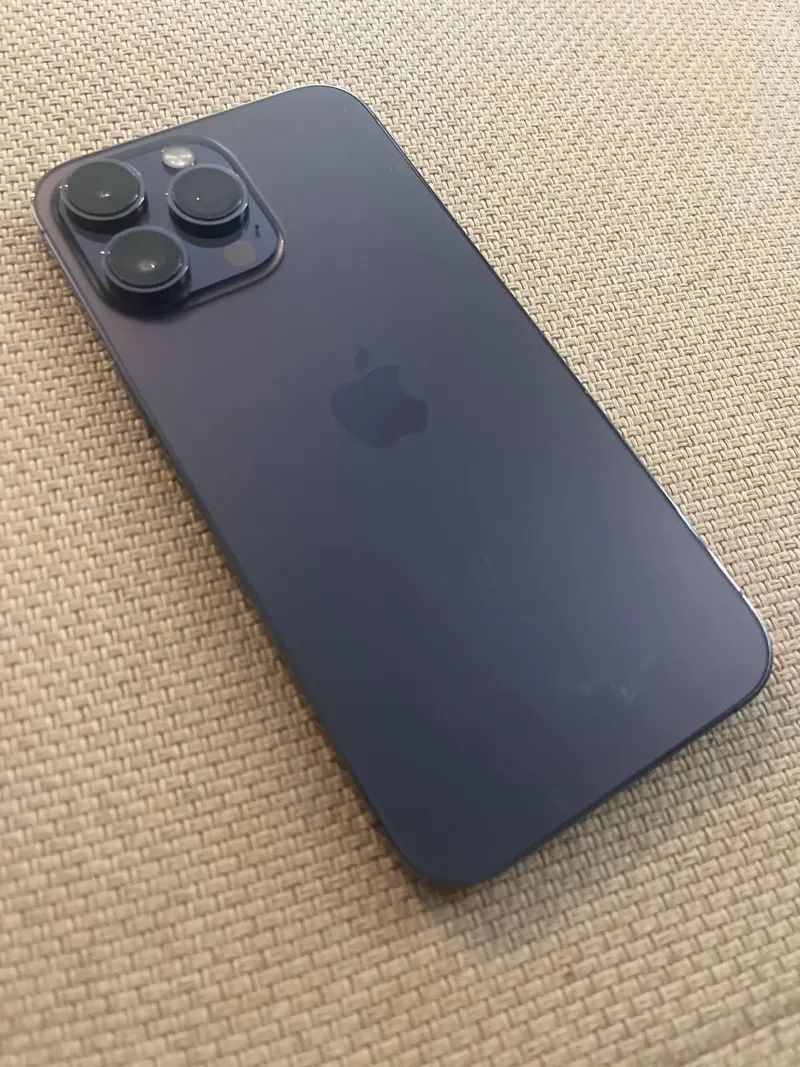
The key check on a used iPhone is Activation Lock: Apple advises against buying a phone that is still linked to the previous owner's Apple Account. Before you pay, check that, how the phone works, and the battery and repair information in Settings.
“Is the iPhone still available? Which exact model and storage? Any repairs or faults? Can I test it and have you erase it before I pay, so it's ready for my Apple Account?” If the seller refuses a check, don't go.
In Settings → General → About, compare the model and storage with the listing. The box and receipt are useful, but you're buying the phone, not the packaging.
Take off the case and look at the screen, frame, cameras and port. Test touch across the whole screen, Face ID or Touch ID, photos and video on every camera, a call and a voice recording, the buttons, charging, Wi-Fi and your own SIM or eSIM.
Settings → Battery → Battery Health shows the maximum capacity and any warnings. The percentage doesn't promise a set battery life, but it helps you compare phones and discuss the price.
On supported models and iOS versions, About includes Parts and Service History: it shows replaced screens, batteries or cameras and labels such as “Unknown Part”. If the section isn't there, that doesn't prove there were no repairs.
The seller signs out of their Apple Account and erases the phone: Settings → General → Transfer or Reset iPhone → Erase All Content and Settings. The iPhone should then show the Hello screen and not ask for the previous owner's Apple Account. If Remote Management appears during setup, the phone belongs to an organisation — don't buy it.
Back up your data, sign out of your Apple Account and erase the iPhone following Apple's instructions. In the listing, give the model, storage, battery capacity, known repairs and what's included.
Photos:22,750 ₾$1,060
≈ $1,060≈ 2,750 ₾
Isani, Tbilisi ·
Phone verifiedSeller ships
 Photos:2
 Photos:4
1,900 ₾$735
≈ $735≈ 1,900 ₾
Old Batumi, Batumi ·
Phone verifiedNew
 Photos:7
400 ₾$155
≈ $155≈ 400 ₾
Saburtalo, Tbilisi ·
Phone verifiedSeller ships
 Photos:7
650 ₾$250
≈ $250≈ 650 ₾
Saburtalo, Tbilisi ·
Phone verifiedSeller ships
According to Apple, “Unknown Part” means the part is not genuine, isn't working as expected, wasn't verified after the repair or has been modified. A part previously used in another iPhone gets a different label — “Used Part”. The screen, battery and cameras appear in the history on iPhone 12 and later; older models show fewer parts. If you see one, ask the seller what was replaced and where, and if in doubt have a repair shop look at the phone before you pay.
No. A number doesn't replace checking Activation Lock, the features and that the phone matches the listing.
No. Apple advises against buying an iPhone that is still linked to the previous owner. Ask the seller to sign out and erase it in front of you.
There's no fixed threshold. A new battery is around 100%, and capacity drops over time. Compare phones and use it in price talks; on supported models a replaced battery shows in the parts history.
No. A listing is the seller's description, not a technical inspection. Check the phone yourself in person, and if in doubt, at a repair shop before paying.